Back
Skills Hub 
Planning Season 2
Episode 10

Conditional Formatting with Number Parameter

Share this video:
https://lumel.com/skills-hub-videos/planning/season-2/ep-10-conditional-formatt…
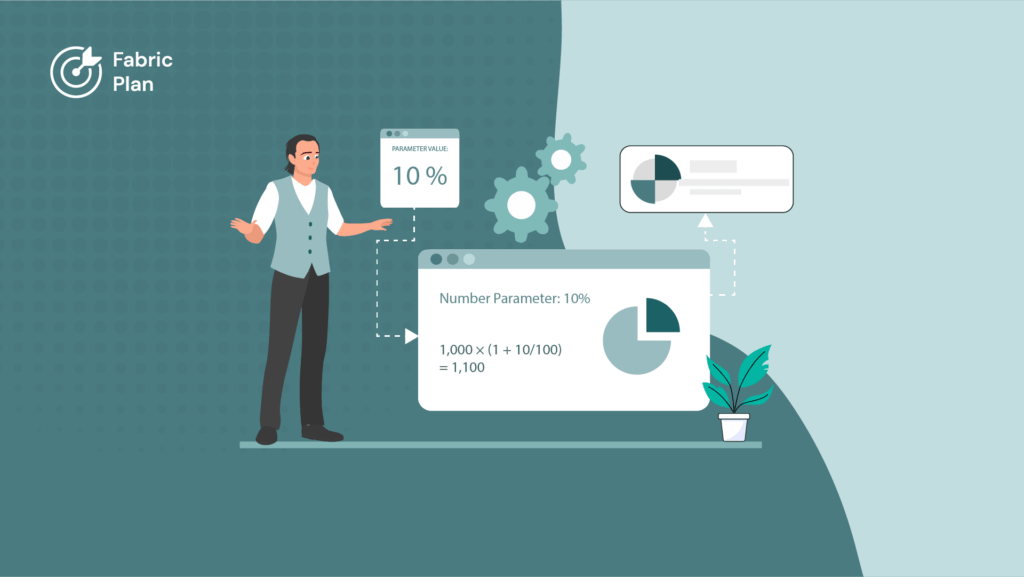
The closing episode of Season 2 brings parameters and formatting together. Alongside Product Discount, we add a second number parameter to the Parameters pane and use it in a conditional formatting rule on the revenue forecast. Planners change the parameter value and the highlighting in the Planning Sheet updates, so the rule moves with their assumptions instead of a fixed number.
Back to Skills Hub
Ready to try it?

See Fabric Planning live in 30 minutes

Our team will walk through your specific use case, budgeting, forecasting, or xP&A-on your own Fabric environment.
Book a Demo

Request a demo

Learn how Lumel helps enterprises deliver real-time integrated reporting and planning applications

Get Lumel Brochure

Enhance your BI, analytics and xP&A use cases with our no-code Data App suite for Power BI.
Download now

Request a demo

Learn how Lumel helps enterprises deliver real-time integrated reporting and planning applications

Get Lumel Brochure

Enhance your BI, analytics and xP&A use cases with our no-code Data App suite for Power BI.
Download now
Lumel
Look Forward. Think Ahead ®
Leader in Unified Planning & Analytics for the Modern Data Stack.
© Lumel Inc. All rights reserved.
Connect With Us
Headquarters
5920 Windhaven Pkwy,
Plano TX 75093
United States