Back
Video Library

Fabric Planning

Demos, tutorials, and webinars across planning, intelligence, and data management on Microsoft Fabric

Featured Video

5:35

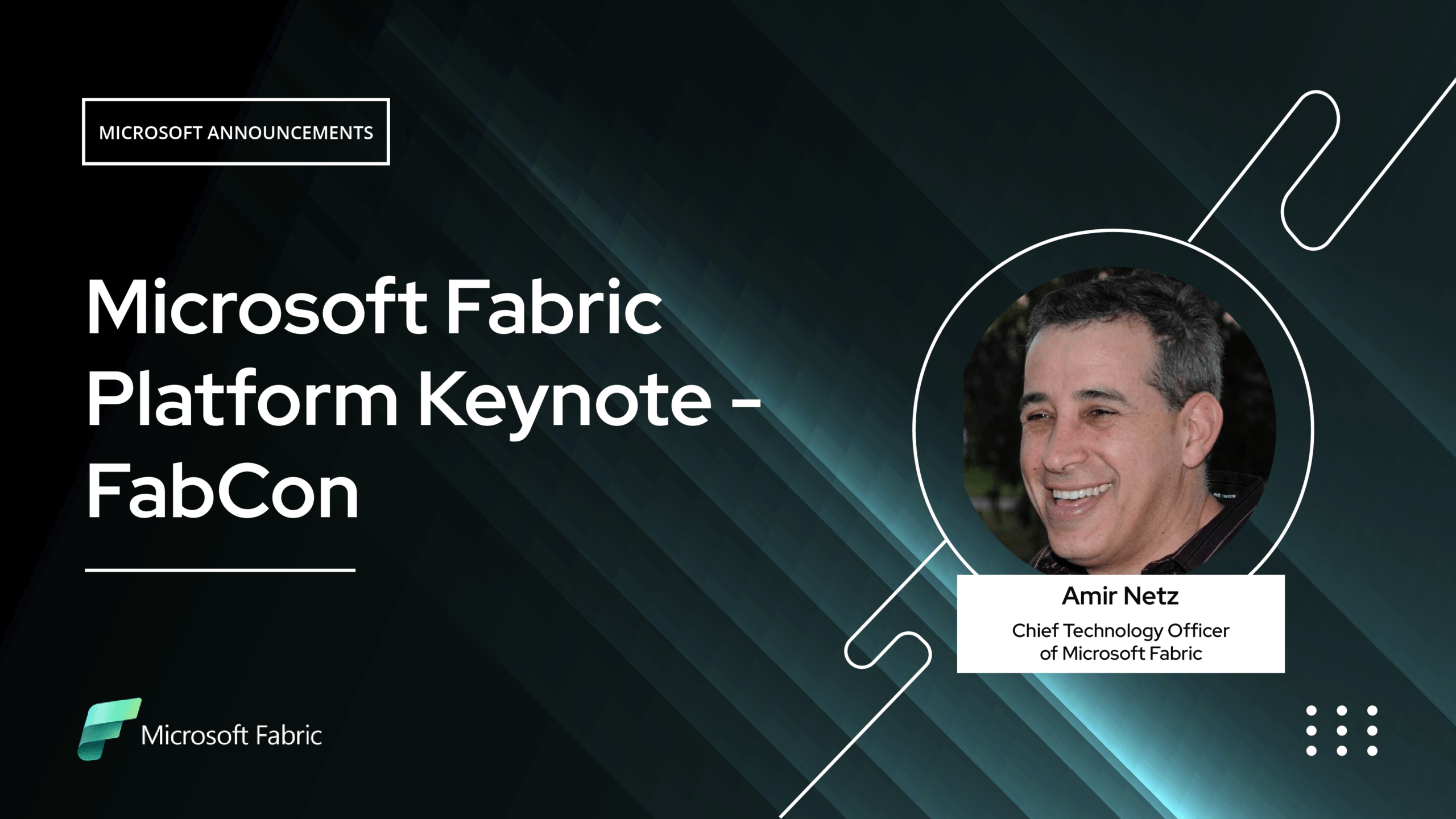
Microsoft FabCon Keynote (Speaker: Amir Netz, Chief Technology Officer of Microsoft Fabric)

Microsoft Announcements

What if your data platform could not only analyze the past but also plan the future? In this session, we introduce Planning in Microsoft Fabric—a powerful new workload that brings end-to-end enterprise planning directly into the Fabric ecosystem. Fully integrated with OneLake, Power BI, and Fabric IQ, this capability enables teams to build revenue plans, run scenario analysis, collaborate in real time, and write back plans seamlessly to the data layer. With built-in security, auditability, and no per-seat licensing, Planning in Fabric transforms how organizations forecast, experiment, and align on business goals—unlocking a new level of intelligence for AI-driven decision-making.

Featured Video

1:37

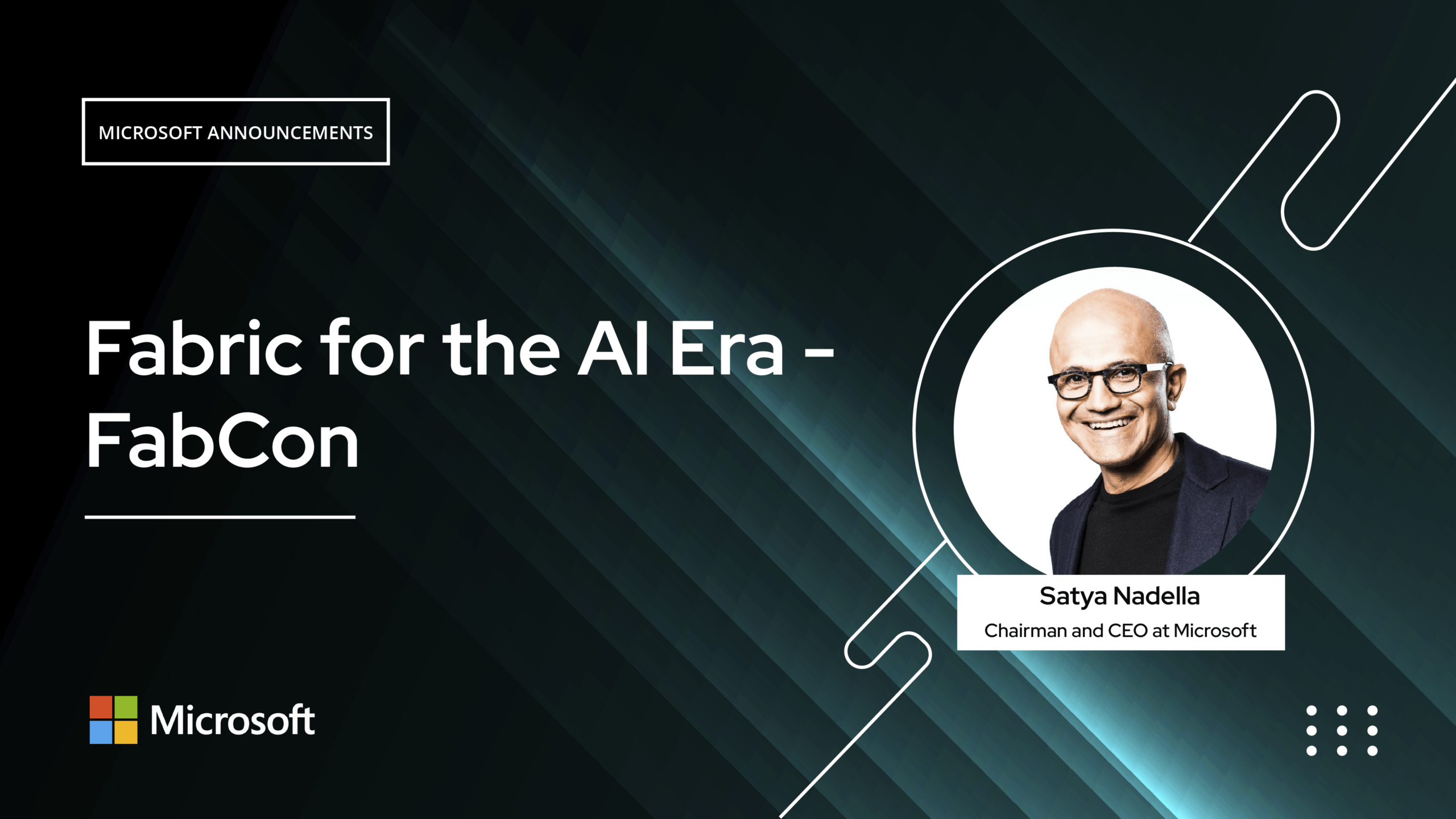
Fabric for the AI Era - FabCon (Speaker: Satya Nadella, Chairman and CEO at Microsoft)

Microsoft Announcements

AI innovation is accelerating, and intelligent agents are becoming embedded in everyday workflows—from command lines to team collaboration. In this keynote, discover how Microsoft Fabric is powering this shift with a unified data estate that brings together operational, real-time, and analytical data. Learn how Fabric enables better context engineering for agents to reason, act, and deliver real business value. Explore the latest advancements, including the Database Hub, Fabric IQ with business-ready ontology models, expanded data integration capabilities, and new planning workloads for enterprise performance management. Get a preview of what’s next for data and operations agents as Fabric continues to evolve as a complete data platform for the AI era.

Featured Video

1:51:54

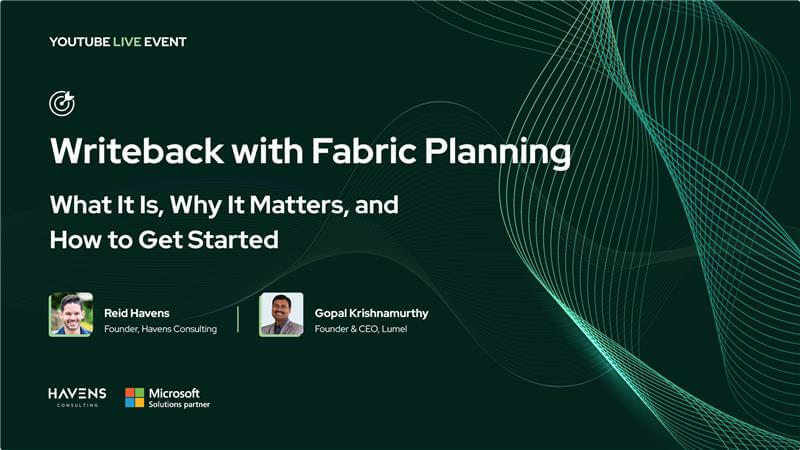
Writeback with Fabric Planning: What It Is, Why It Matters, and How to Get Started

Live stream

Writeback - one of the most requested capabilities in the Power BI community—is now native in Microsoft Fabric with the introduction of Fabric Plan Item in Fabric IQ. In this session, Gopal Krishnamurthy and Reid Havens walk through how native writeback works in Fabric Planning—from building planning apps on semantic models and enabling stakeholder collaboration, to writing inputs back into Fabric SQL and governing data with PowerTable’s live writeback. They also cover variance commentary and intelligent writeback using Intelligence Sheets, making this a must-watch for FP&A, operations teams, and BI developers looking to move beyond spreadsheets and build enterprise-grade planning solutions directly in Fabric.

Featured Video

1:14:41

Fabric Planning: What, So What, and Now What?

Live stream

Discover how Microsoft Fabric Planning is revolutionizing Enterprise Performance Management within the Power BI ecosystem. This session explores native write-back capabilities, multi-dimensional forecasting, and seamless master data management-empowering FP&A teams to transition from disconnected spreadsheets to a unified, secure data platform.

Live with Experts

Watch our live sessions

Real conversations with practitioners — unscripted
All Videos
3:59

Fabric Planning Overview #1

PlanningFundamental

See how Microsoft Fabric transforms revenue planning into a connected, collaborative process. In this demo, a Chief Sales Officer builds a $19B plan for 2026 directly on the semantic model—applying growth rates by category, simulating...

3:16

Fabric Planning Overview #2

PlanningFundamental

Discover how Microsoft Fabric evolves from analytics into an intelligent execution platform. With planning embedded in Fabric IQ, enterprises can move from static dashboards to goal-driven operations—using connected planning, driver-based models, and what-if analysis to...

2:38

Multi dimensional cube planning #1

PlanningPractitioner

See how revenue planning becomes seamless across multiple business contexts with Microsoft Fabric. In this walkthrough, we create a revenue plan measure, distribute values using last year’s actuals, and simulate adjustments across five planning apps....

2:02

Multi dimensional cube planning #2

PlanningPractitioner

See how Microsoft Fabric streamlines revenue planning across business contexts. Create and distribute plans using last year’s actuals, simulate adjustments across apps, and keep updates consistent—from country to city level—with connected, forward-looking planning.

2:25

Auto forecasting for multi season time series

PlanningPractitioner

Discover how Microsoft Fabric enables precise revenue forecasting with auto forecast. Build planning apps, run bottom-up and top-down simulations, and refine forecasts across dimensions—turning actuals into connected, accurate, and decision-ready insights.

1:13

Setting up a target-based 'Optimizer'

PlanningExpert

Optimize your profit forecast with ease using multivariate goal-seeking. In this walkthrough, we demonstrate how to move beyond manual adjustments and leverage an optimizer to reach a target profit of $50M. By defining variables and...

4:59

An Asset Tracking Data App

PowerTablePractitioner

See how Fabric Planning transforms a simple asset tracking spreadsheet into a collaborative data app. This demo walks through uploading data into a Fabric SQL database, configuring lookups, rendering images, adding formula columns, and applying...

1:58

Manage reference data for planning app 

PowerTableFundamental

Discover how Microsoft Fabric Planning integrates reference data management into revenue planning. In this demo, we configure a 2026 territory plan using Direct Lake semantic models, enrich dimensions with customer type and subregion via PowerTable,...

2:18

Project Scheduling with Gantt view

PowerTablePractitioner

See how Microsoft Fabric makes project and task management interactive and connected to your data. This demo shows how to configure Gantt layouts, update timelines, manage dependencies, track baselines, and highlight risks with conditional formatting.

2:51

Resource assignments and delivery review

PowerTablePractitioner

See how Microsoft Fabric streamlines task assignments, approvals, and automated status updates. This demo shows how to manage workloads in resource view, submit structured approval requests, and configure automation rules to handle status transitions without...

4:13

Setting up a time tracker

PowerTablePractitioner

See how Microsoft Fabric Planning streamlines employee time tracking with flexible data structures and intuitive layouts. This demo shows two setup methods—using a single time entries table or a split time sheets and entries model—both...

3:36

Setting up access controls

PowerTableExpert

See how Microsoft Fabric Planning strengthens data management with access controls and approval workflows. This demo shows how to restrict edits at row and column level, define rules for updates and deletes, and configure multi-level...

4:26

Using Forms and Automations in Microsoft Fabric

PowerTableExpert

Discover how Microsoft Fabric Planning streamlines asset management with forms and automation. This demo shows how to capture employee requests through forms, automatically update records, and trigger workflows that connect across Fabric SQL tables.

2:25

Multi level financial KPI Cards

IntelligencePractitionerReporting

Explore how Lumel Plan makes KPI cards more powerful with multilevel insights. This demo shows how to build a layered KPI card that combines headline metrics, contextual text, comparison charts, and trend lines—all in one...

2:56

Performance reporting and variance analysis

IntelligenceFundamentalReporting

Learn how Lumel Plan helps finance teams create IBCScompliant P&L variance reports with live data and governed metrics. This demo shows how to link semantic models, apply waterfall charts, calculate variances, and refine visuals for...

2:08

Customer journey analysis with sankey chart

IntelligencePractitionerVisualization

Watch how Lumel Plan’s intelligence sheet helps marketing teams visualize user journeys with Sankey charts. This demo shows how to map page flows, customize colors for traffic sources, and highlight conversion patterns with clear, datadriven...

2:23

Project management dashboard

IntelligencePractitionerVisualization

Explore how Lumel Intelligence sheet makes project dashboards more intuitive and actionable. This demo shows how to configure Gantt charts with tasks, milestones, dependencies, and progress tracking, then enhance the layout with KPI cards, formatting,...

4:21

Financial Reporting

IntelligenceFundamentalReporting

Watch how Fabric Plans’ intelligence sheet helps finance teams build professional income statements in minutes. This demo shows how to connect governed data, apply financial templates, format according to IBCS standards, and calculate key profitability...

1:14:41

Fabric Planning: What, So What, and Now What?

Live stream

Discover how Microsoft Fabric Planning is revolutionizing Enterprise Performance Management within the Power BI ecosystem. This session explores native write-back capabilities, multi-dimensional forecasting, and seamless master data management-empowering FP&A teams to transition from disconnected spreadsheets...

0:58

Optimizer for Direction Based Simulations in Microsoft Fabric

PlanningExpert

Move beyond guesswork and optimize your profit with precision. In this quick walkthrough, learn how to set up a direction-based optimizer by defining your objective, selecting key variables, and applying practical constraints. See how instantly...

3:11

Multi Trellis Variance Analysis in Microsoft Fabric

IntelligencePractitionerReporting

Analyze, plan, and compare sales across categories with a powerful multi-trellis variance workflow in Fabric Plan. This walkthrough shows how to build dynamic planning scenarios, simulate assumptions, and transform them into clear, scalable visual analysis...

2:28

Quick Statistical Forecasting in Microsoft Fabric

PlanningPractitioner

Build a statistically sound forecast in minutes using Microsoft Fabric Planning. Starting with actuals, this walkthrough shows how to generate dynamic forecasts across your business hierarchy, apply seasonality, confidence levels, and growth factors, and evaluate...

2:33

Build an Annual Budget in Minutes with Microsoft Fabric

PlanningPractitioner

Build a complete annual budget in minutes with Microsoft Fabric Planning. This demo shows how to connect to your semantic model, use prior-year data to project 2026 revenue and profit, apply inputs across hierarchies, and...

3:02

Part 1: Building a Live Cash Flow Forecast

IntelligenceExpertReporting

Learn how to build and forecast a cash flow statement using Fabric Planning in a fully integrated environment. In this demo, see how to create a planning layer on top of your semantic model, add...
2:51

Part 2: Cash Flow Planning & Scenario Simulation

IntelligenceExpertReporting

Take your cash flow planning further with scenario analysis in Fabric Planning. In this demo, see how to simulate real-world financial decisions by adjusting key assumptions like investment levels and accounts receivable, using 2026 as...

1:51:54

Writeback with Fabric Planning: What It Is, Why It Matters, and How to Get Started

Live stream

Writeback - one of the most requested capabilities in the Power BI community—is now native in Microsoft Fabric with the introduction of Fabric Plan Item in Fabric IQ. In this session, Gopal Krishnamurthy and Reid...

1:37

Fabric for the AI Era - FabCon (Speaker: Satya Nadella, Chairman and CEO at Microsoft)

Microsoft Announcements

AI innovation is accelerating, and intelligent agents are becoming embedded in everyday workflows—from command lines to team collaboration. In this keynote, discover how Microsoft Fabric is powering this shift with a unified data estate that...

5:35

Microsoft FabCon Keynote (Speaker: Amir Netz, Chief Technology Officer of Microsoft Fabric)

Microsoft Announcements

What if your data platform could not only analyze the past but also plan the future? In this session, we introduce Planning in Microsoft Fabric—a powerful new workload that brings end-to-end enterprise planning directly into...

3:04

Retail Performance Dashboard in Microsoft Fabric

IntelligencePractitionerVisualization

This demo shows how to build and navigate a retail performance report using Microsoft Fabric Planning, covering five years of sales data. It walks through an executive summary with key metrics and context, followed by...

2:08

Manage Slowly Changing Dimensions (SCD Type 2) with PowerTable

PowerTablePractitioner

Learn how to configure SCD Type 2 tables in PowerTable with Microsoft Fabric SQL. Automate history tracking, record versioning, active records, and surrogate key management in just a few simple steps.

Request a demo

Learn how Lumel helps enterprises deliver real-time integrated reporting and planning applications

Get Lumel Brochure

Enhance your BI, analytics and xP&A use cases with our no-code Data App suite for Power BI.
Download now

Request a demo

Learn how Lumel helps enterprises deliver real-time integrated reporting and planning applications

Get Lumel Brochure

Enhance your BI, analytics and xP&A use cases with our no-code Data App suite for Power BI.
Download now
Lumel
Look Forward. Think Ahead ®
Leader in Unified Planning & Analytics for the Modern Data Stack.
© Lumel Inc. All rights reserved.
Connect With Us
Headquarters
5920 Windhaven Pkwy,
Plano TX 75093
United States